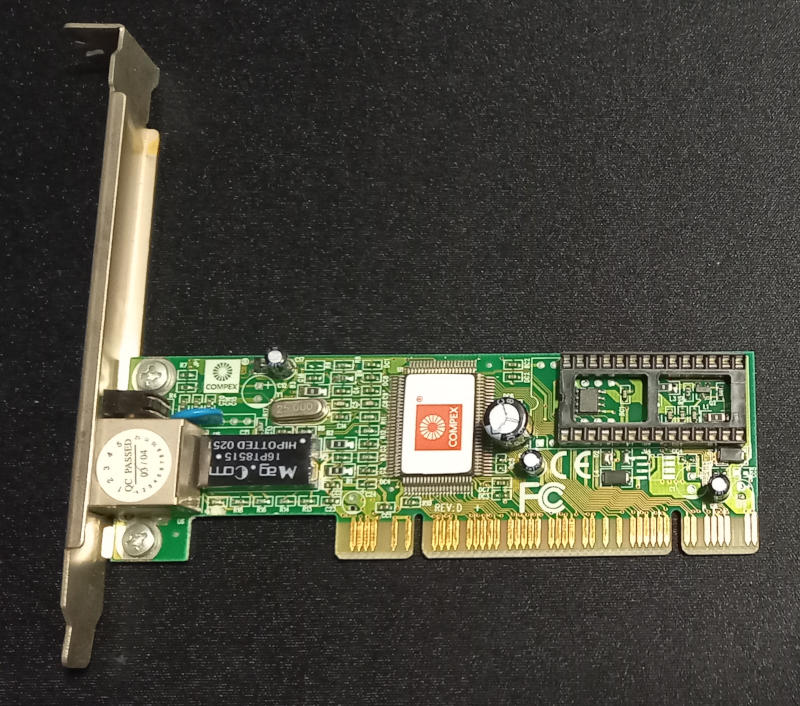
Let’s start configure networking in DOS. It’s not so complicated and fairly easy to do.
First you need to obtain a network card that can work in DOS. Almost every ISA card can work but good option is to grab popular and good cards like 3Com or fully compatible with NE2000.
In my case i will show a little different option – using PCI card based on RTL8139 chipset. I’ve tested this on RTL8139C and RTL8139D version.
First you need to get DOS drivers for this card. As this is PCI PnP card you will need to initialize card.
All drivers you can download at the end of this post.
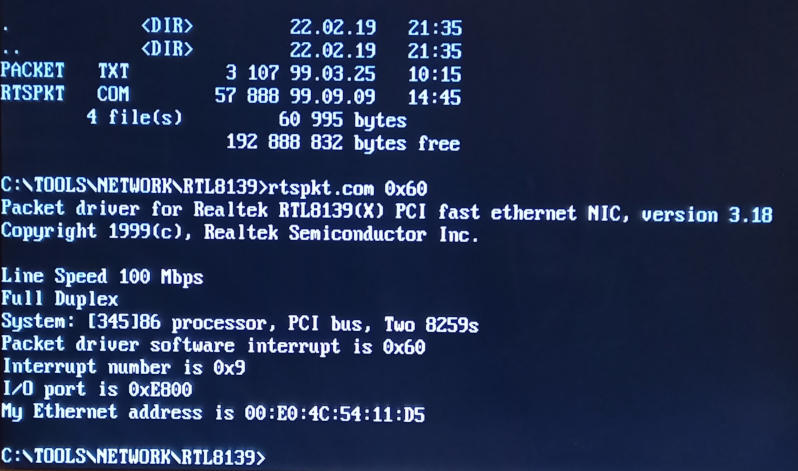
Run rtspkt.com 0x60 from packet driver directory.
You should get information from your network card like MAC, connection speed etc.
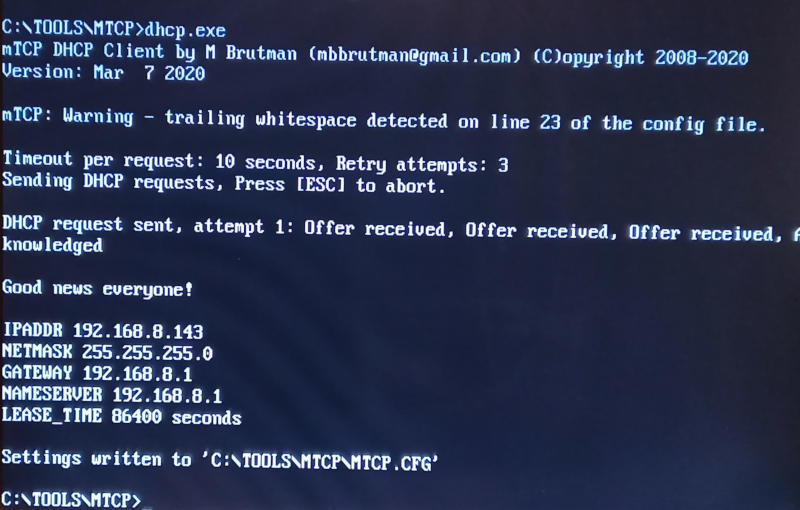
After this you can get IP address – usesfull will be tools mTCP available at https://www.brutman.com/mTCP/
Go to directory where you put your mTCP tools and run dhcp.exe to get IP address. If everything is correctly configured and hardware is working then it will work.
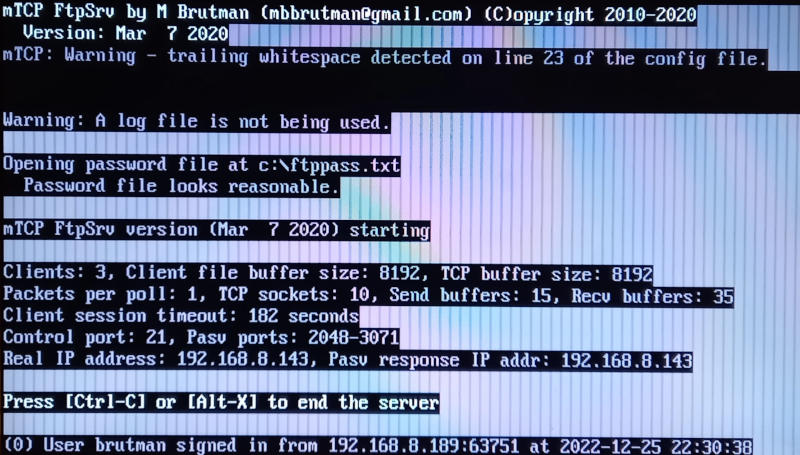
Example of FTP server running on this DOS machine
There are other tools from mTCP package but these will be discussed another time.
Downloads/Links: